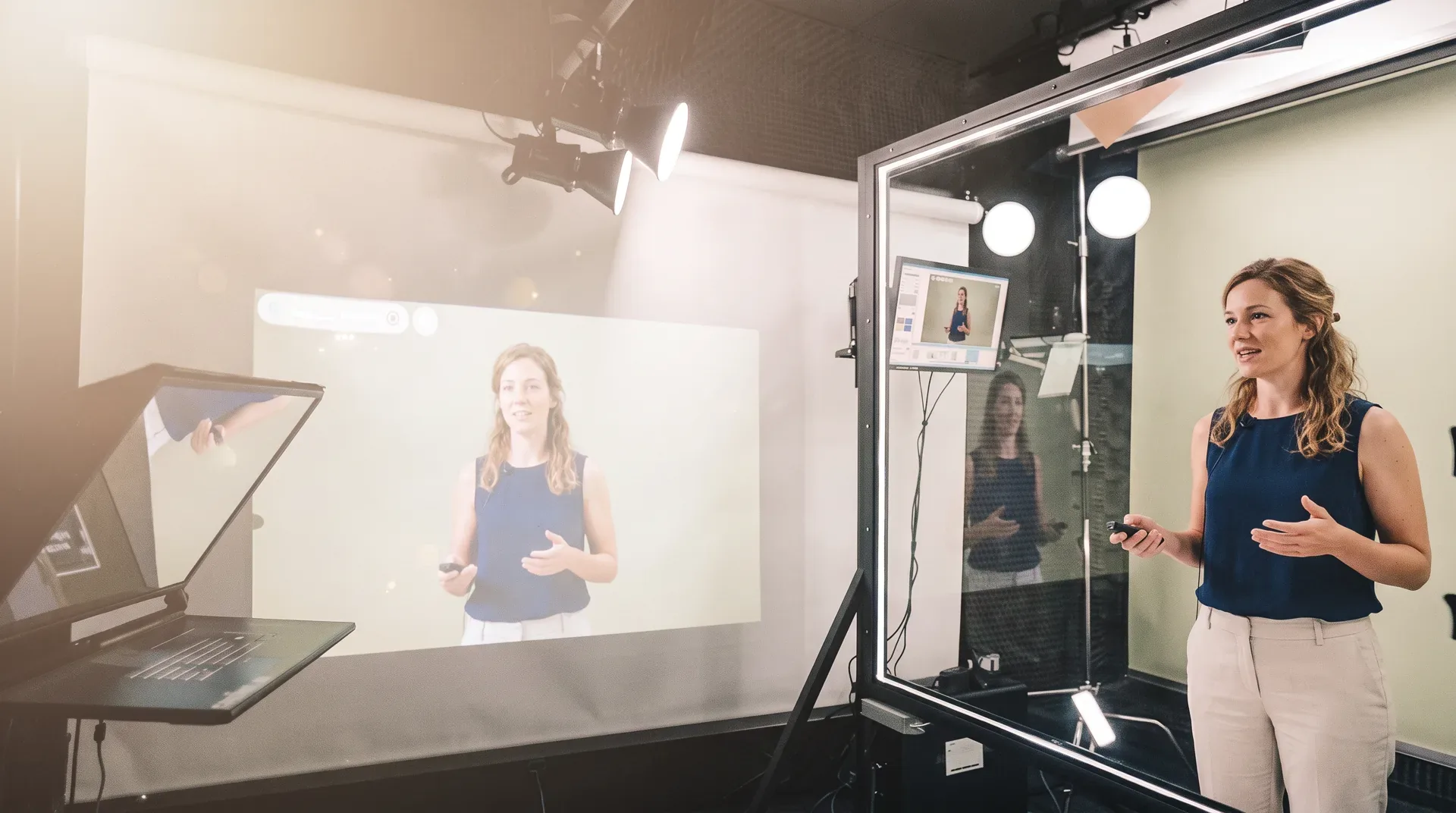
Board-format slides
16:9 slides with the speaker silhouette and the studio background in view, plus warnings for objects behind the speaker and hard-to-read colors.
 LUMENStudio
LUMEN PREP · STUDIO · EDITING
Prepare slides and the teleprompter in your browser. Record at the glass board and build clips — with one account.
The slide next to the speaker
Hello! Today: three steps from an idea to a finished video.
This slide: 0:04
Your All Portugal Studio account and tokens work in LUMEN Prep, LUMEN Studio and LUMEN Motion. AI voice, avatars and images are paid with Studio tokens; editing itself is free.
16:9 slides with the speaker silhouette and the studio background in view, plus warnings for objects behind the speaker and hard-to-read colors.
Teleprompter text for every slide, the estimated time per slide and for the whole talk, and sections you can copy as chapters.
Full-screen rehearsal with the teleprompter, a timer, the keyboard and a clicker — like in the studio.
Open and download .lumen files, the format LUMEN Studio uses. PowerPoint import is coming soon.
Illustrations, talk drafts and studio backdrops in one chosen style, paid with your All Portugal Studio tokens.
Invite co-authors as editors or viewers. The last 10 versions are kept, and nothing is overwritten silently.
A browser to prepare your talk. To record, LUMEN Studio on Windows in the studio.
Preparing talks is free. AI features use your All Portugal Studio tokens.
Data is kept in the EU under the GDPR. In your account you can download all your data or delete the account with all its files. Open account
The interface is in English, Portuguese, Spanish, French and Russian. Teleprompter text can be in any language.
Talks, recording and editing - one flow